
Phaeton (![[personal profile]](https://www.dreamwidth.org/img/silk/identity/user.png) dancing_serpent) wrote in
dancing_serpent) wrote in ![[site community profile]](https://www.dreamwidth.org/img/comm_staff.png) dreamscapes2010-07-03 01:05 pm
dreamscapes2010-07-03 01:05 pm
dancing_serpent) wrote in dreamscapes2010-07-03 01:05 pm


Entry tags:
Colour Theme / ColorSide / Mandala
layout: ColorSide
one colour theme: Mandala
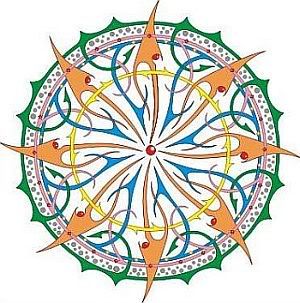
Image info: Image public domain from www.openclipart.org
This is the first time I've been working with images, and I'm not sure I did it right. The image I selected was taken from www.openclipart.org, here, but I have no idea if the quality is all right and so on. Right now it's saved here on my Photobucket account.
Author:dancing_serpent
Mandala / Preview
one colour theme: Mandala
Image info: Image public domain from www.openclipart.org
This is the first time I've been working with images, and I'm not sure I did it right. The image I selected was taken from www.openclipart.org, here, but I have no idea if the quality is all right and so on. Right now it's saved here on my Photobucket account.
Author:
dancing_serpentMandala / Preview
no subject
no subject
Do you have a link to the clipart page?
no subject
no subject
no subject
no subject
no subject
no subject
no subject
no subject
What do you think?
no subject
no subject
Really pretty theme, this one =)
I like it.
no subject
no subject
no subject
no subject
no subject
no subject
no subject
no subject
Images for ColorSide are stored in dw-nonfree in htdocs/stc/colorside/. Save the pic to your computer, rename it using the style name as this is how other pics are named for ColorSide. Create a patch in PuTTY. Drag and drop the pic from your computer to the WinSCP folder. In PuTTY, type
hg addremovethenhq refreshthen do everything else you need to (you can also do this at the end). When you upload your patch in Zilla, also upload the image as a second attachment. Don't check 'patch', of course, and select the correct file format in the list. Set 'review' and 'commit' to ? as usual.no subject
no subject
no subject
no subject
function Page::print_theme_stylesheet() {
"""
#secondary .module-content a:hover { color: $*color_module_link_hover; }
""";
}
no subject
no subject
no subject
no subject
no subject
no subject